
A burn-in leaves translation and dubbing | AI Video Factory
A burn-in from lines already on the page leaves the translation month and the dubbing month. Pressing run again spends another listen.
Deep tutorials, tool comparisons, and going-global playbooks — use AI to squeeze post from 2 hours down to 10 minutes.
47 articles, newest first
 Tips
A burn-in from lines already on the page leaves the translation month and the dubbing month. Pressing run again spends another listen.
 Tips
A long file is not a refused file. A wrong container does not spend the month. Check the length before you press run.
 Tips
Spending the dubbing month does not spend the caption month. Dubbing keeps its own calendar month. Plus does not include translation.
 Tips
Spending the caption month does not spend the translation month. Caption keeps its own calendar month. Plus does not include translation.
 Tips
Spending translation does not spend the caption month. Translation keeps its own calendar month. Plus does not include translation.
 Tips
Plus does not include translation. Caption and audio on the dedicated workstation are unlimited. Translation keeps its own month.
 Tips
A file the page refuses does not spend the free month. Pressing run on a file the page accepts does.
 Tips
Switching after the lines are on the page spends another listen. Reviewing those lines does not.
 Tips
Opening Plus does not reset the free month. A listen you already spent in the browser stays spent.
 Tips
Spending the dubbing month does not spend the translation month. Translation still has its own calendar month.
 Tips
Spending the caption month does not spend the dubbing month. Dubbing still has its own calendar month.
 Tips
Ticking OCR spends the caption month. It does not leave a speech listen for later.
 Tips
Enhanced does not read the picture. It is still speech recognition. Burned-in words are the other choice.
 Tips
Dubbing the lines already on the page does not spend the listen. That dubbing is its own calendar month.
 Tips
Pressing run again on the same file spends another listen of that core tool. The lines already on the page do not.
 Tips
An SRT, VTT, or YAML skips recognition. Import does not translate those lines, and it does not spend a translation or hand you one.
 Tips
SRT and a burn-in from the lines already on the page are still this listen. Pressing run again is another listen. Download both before you close.
 Tips
Free is one run of that core tool this calendar month, not one run per file. The second clip does not get its own free listen.
 Tips
The page takes MP4, MOV, AVI, or MKV. If the file is none of those, do not press run to find out. Closing the page spends that tool's month.
 Tips
This browser keeps one list. The Plus workstation keeps the other. They do not copy each other, and closing a page does not delete the workstation files.
 Tips
Renewing Plus keeps the files on that dedicated workstation. It does not empty the disk, and it does not turn the machine into a public backup.
 Tips
Closing one listen does not hand you a second pass of that same tool. Another core tool is its own month, not a refund.
 Tips
The minute you are waiting is not a free listen. A press in this browser spends the calendar month. Open the site inside the workstation, then run.
 Tips
Set the voice and the music before burn-in. Fixing names does not start a second listen. Changing the mix after the burn does, and that spends the calendar month.
 Tips
Do not buy Plus as a place to park a library. It is a dedicated workstation for the cut that will not finish in the browser. Files you process there remain after you renew.
 Tips
About 15 minutes, and aim under 200MB, before the free listen. A file you only opened to see what happens still spends the calendar month.
 Tips
Pay, and leave the workstation unopened if you are still deciding. Seven days covers that unused connection. A free listen you already closed does not come back.
 Tips
The history list is on this browser. Clearing it does not reset the calendar month. A new device does not inherit a guest order. Plus files live on the workstation, not in this list.
 Tips
The review is part of this run. Closing the page spends the calendar month. A second listen is next month, or Plus. Do not close just to check the export.
 Tips
One run per core tool each month. Closing the page spends it. The next free pass is the next calendar month. Do not spend this one finding out the file was too long.
 Tips
Guests can pay first. Bind after success, or a new device and a cleared browser lose the order. Anonymous quota lives in this browser. Plus is not a cloud backup.
 Tips
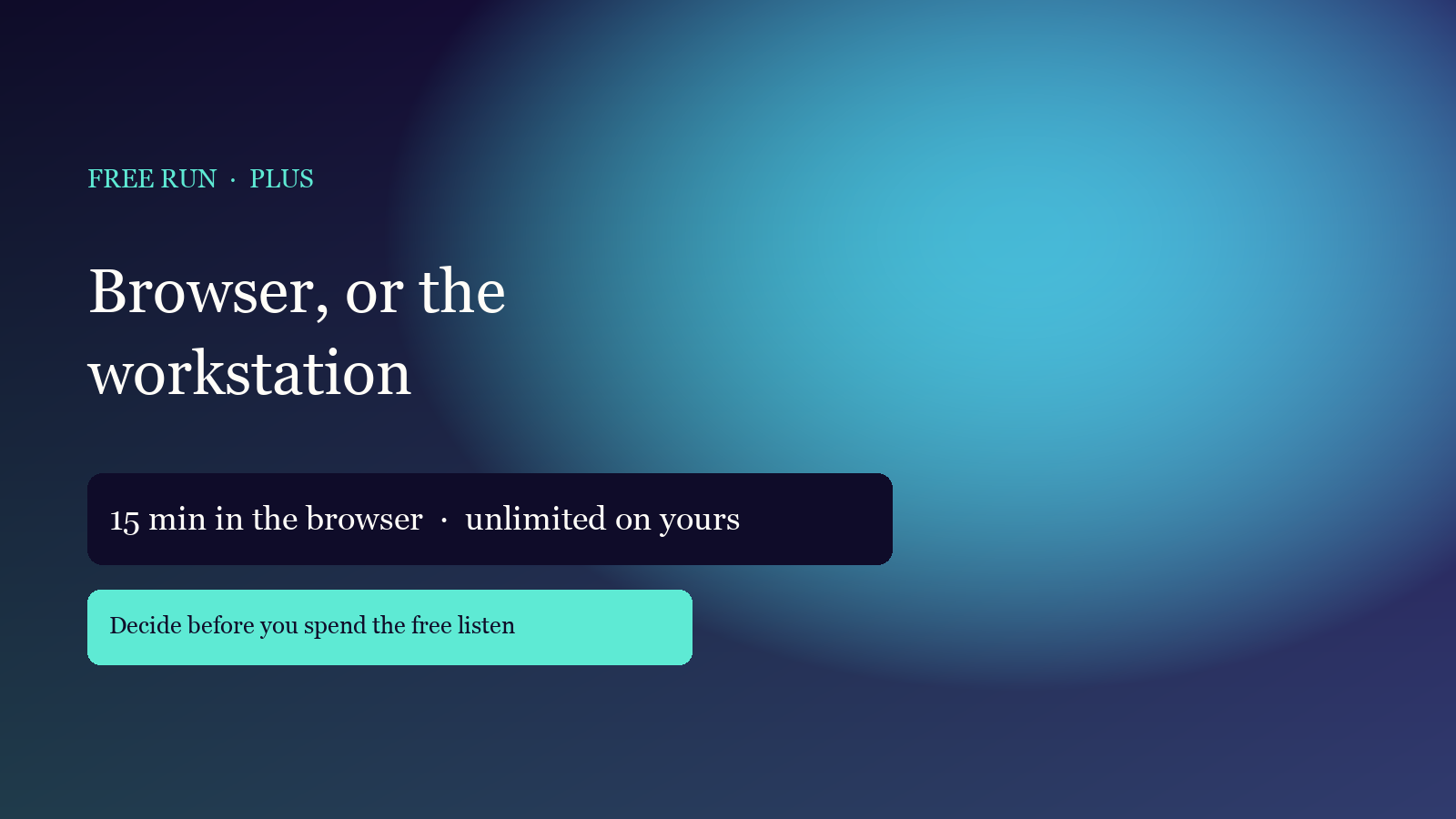
A short, clear file stays in the browser: one free run per tool each month. Longer than about 15 minutes, or a second listen, belongs on the Plus workstation — not in a public pool.
 Tips
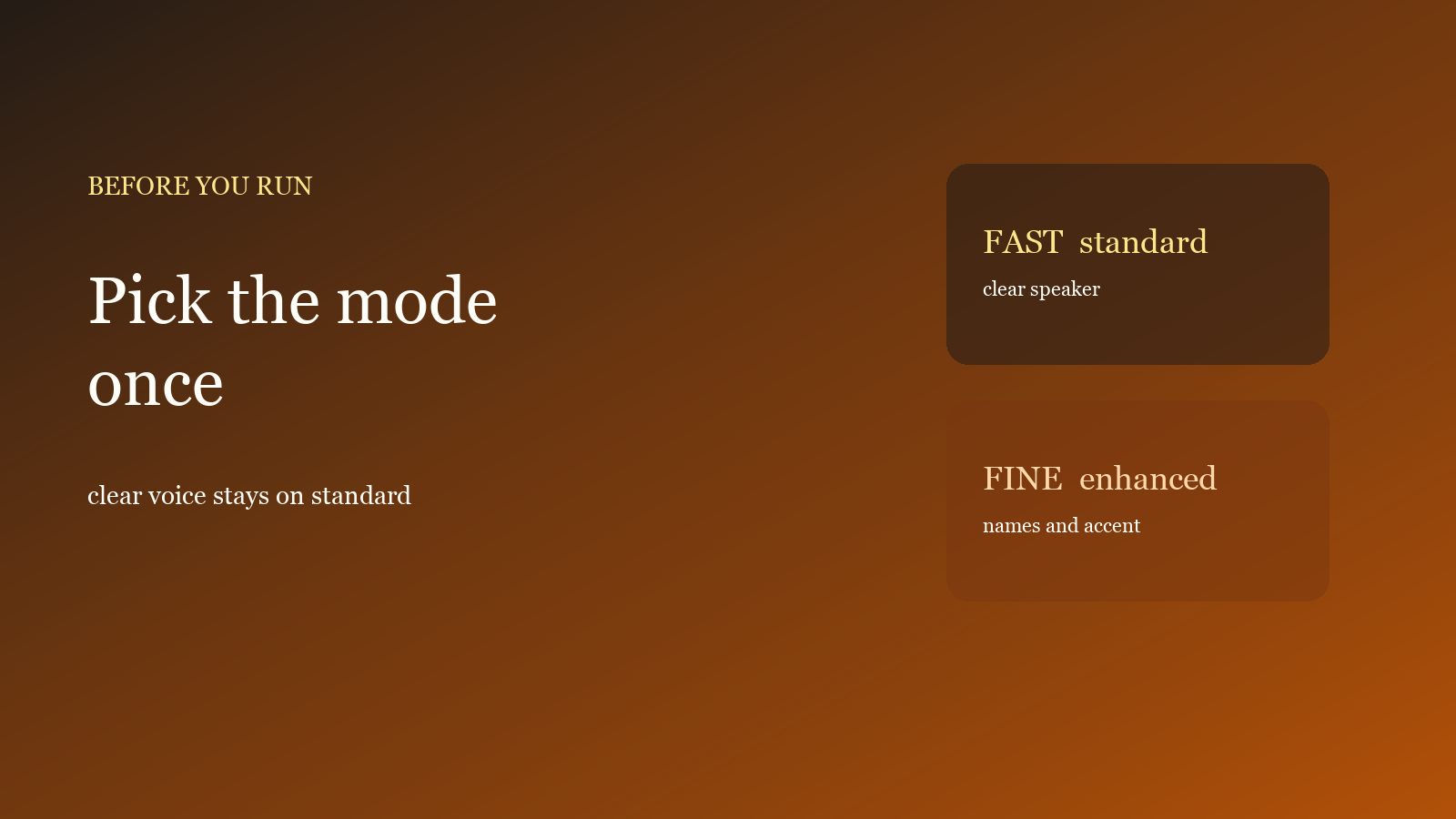
Recognition mode only affects speech. One clear speaker uses Standard (faster). Accents and dense names use Enhanced. Pick before you run. Closing the page spends this month’s free listen.
 Tips
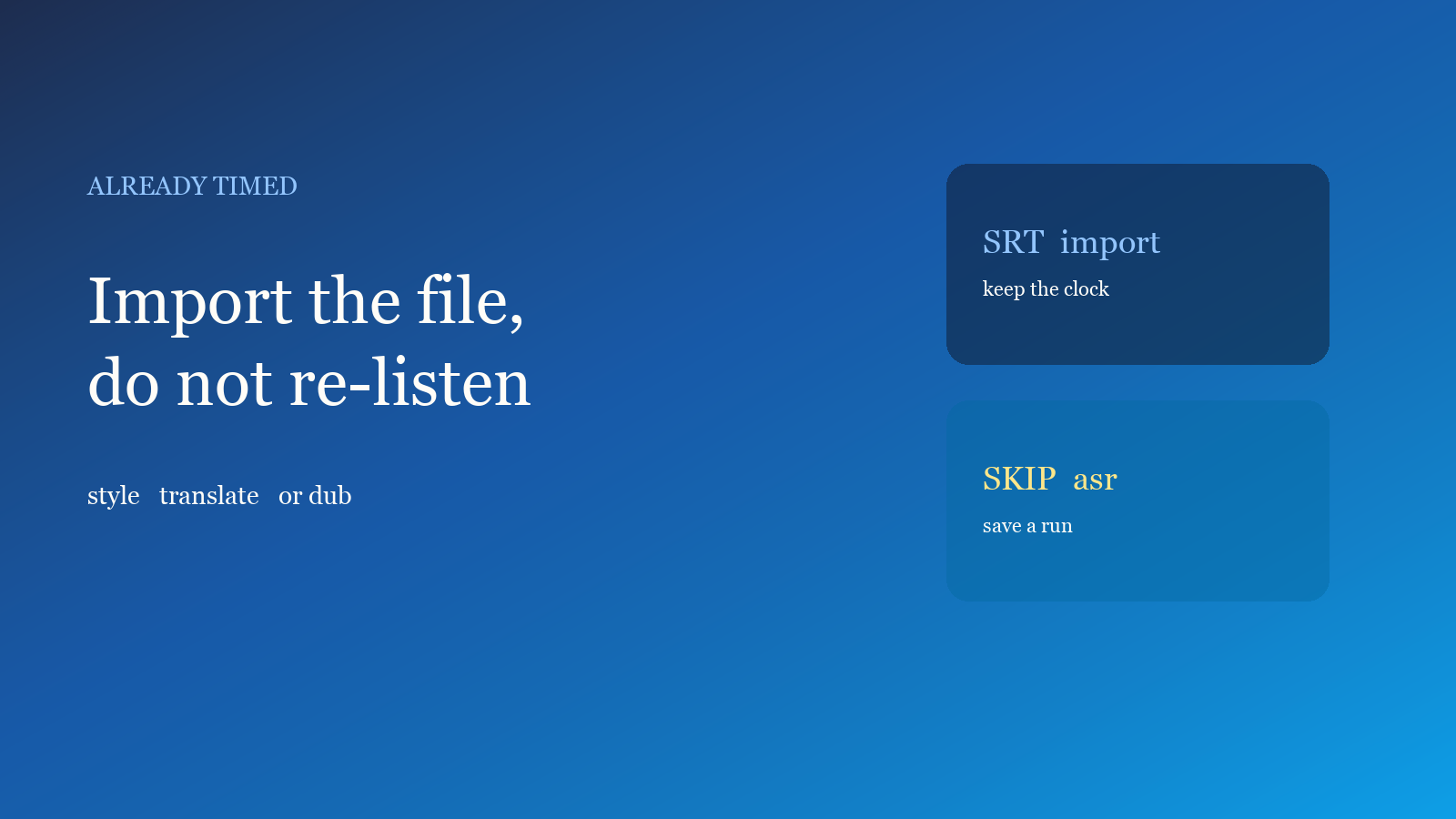
Cues that already sit on the mouth do not need another speech run. Import SRT / VTT / YAML, then restyle, or spend only a translation or dubbing run.
 How-to
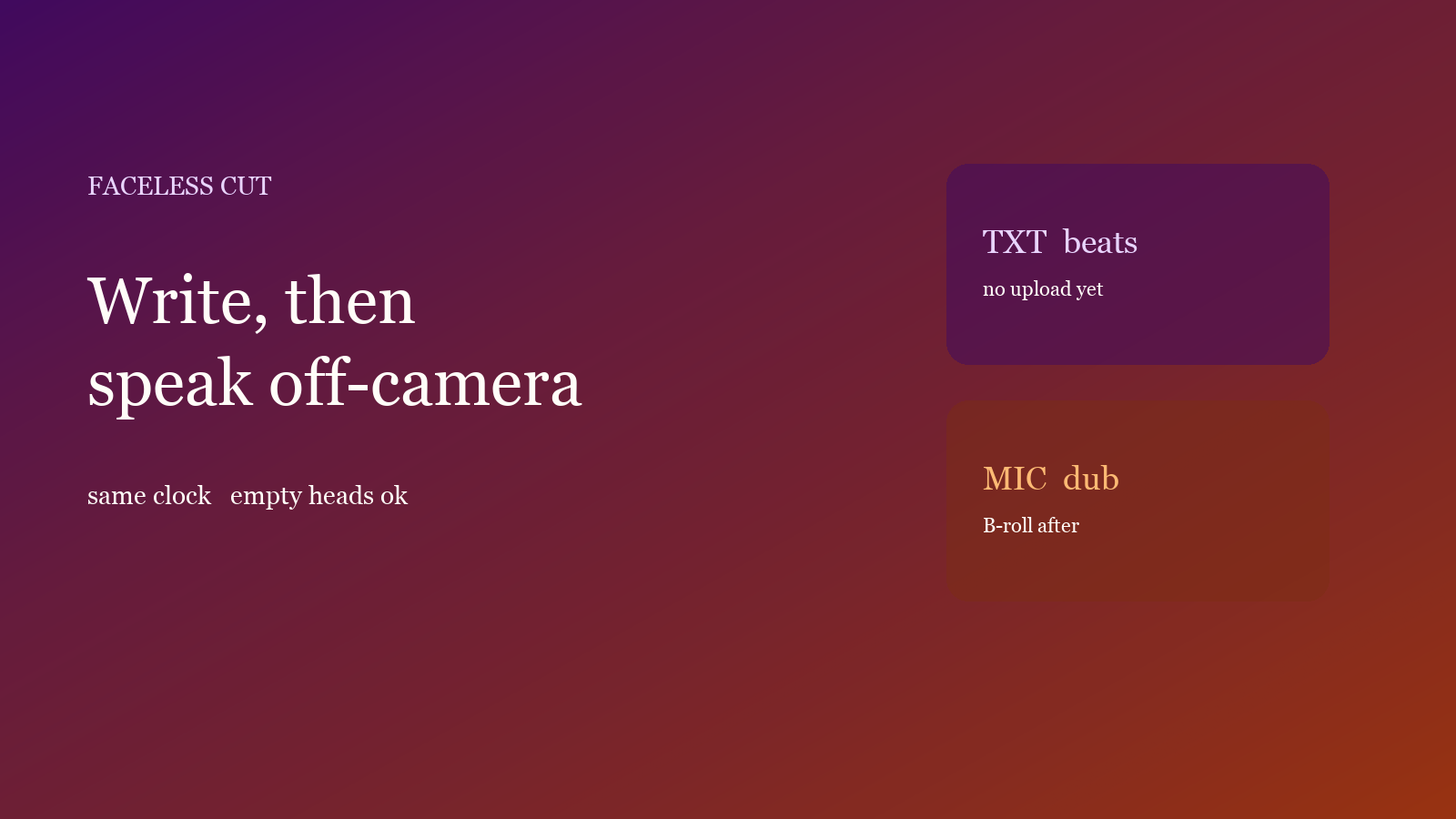
Write timed beats, continue with dubbing, drop a picture not shorter than the script. Chinese uses 晓晴. Mute original audio unless you need room tone. For explainers without appearing.
 Tips
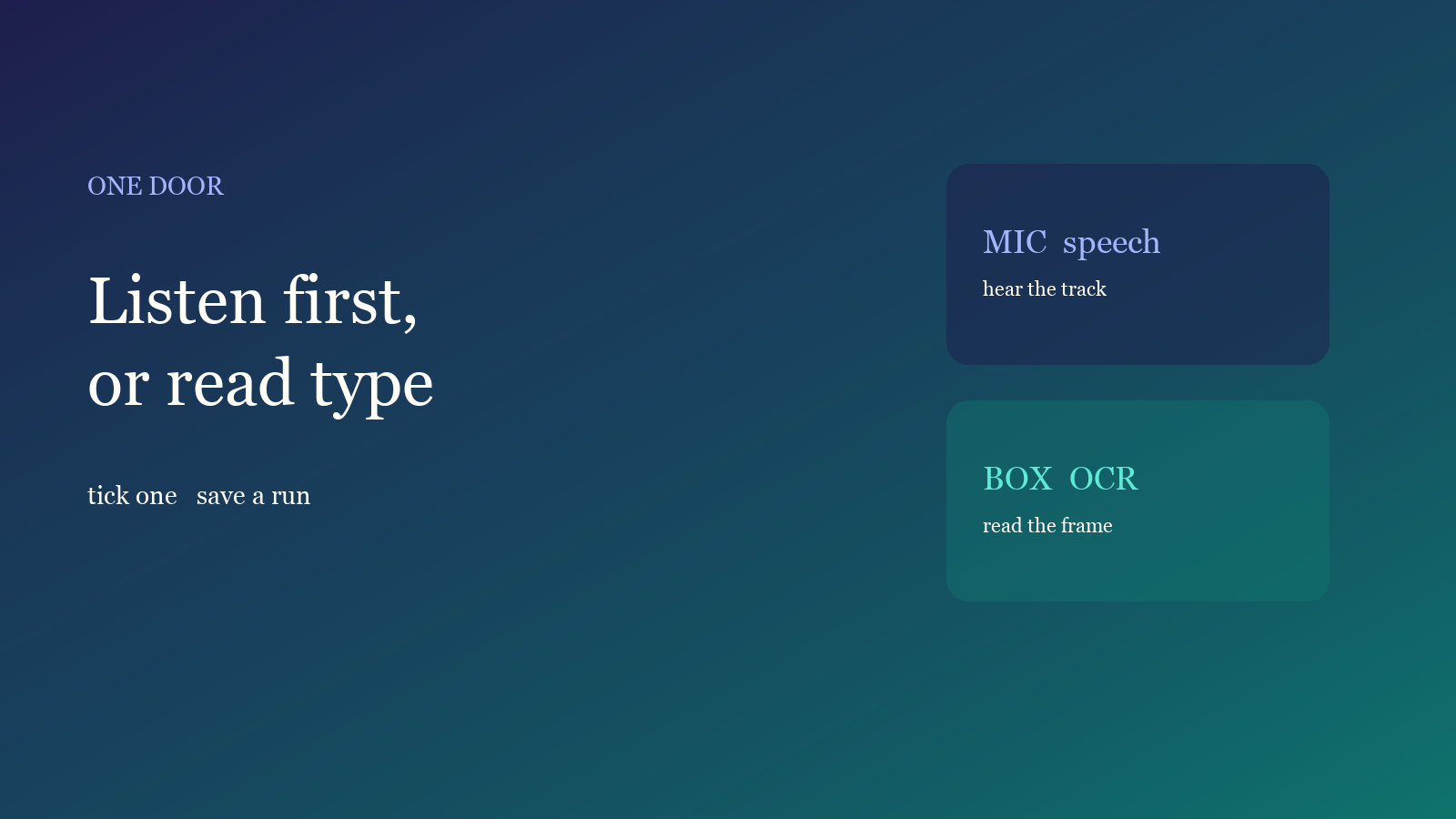
Clear voiceover → transcribe. Silent hard-subs → OCR. Do not run both. Wait for detection after upload; one door costs less than two runs.
 Tips
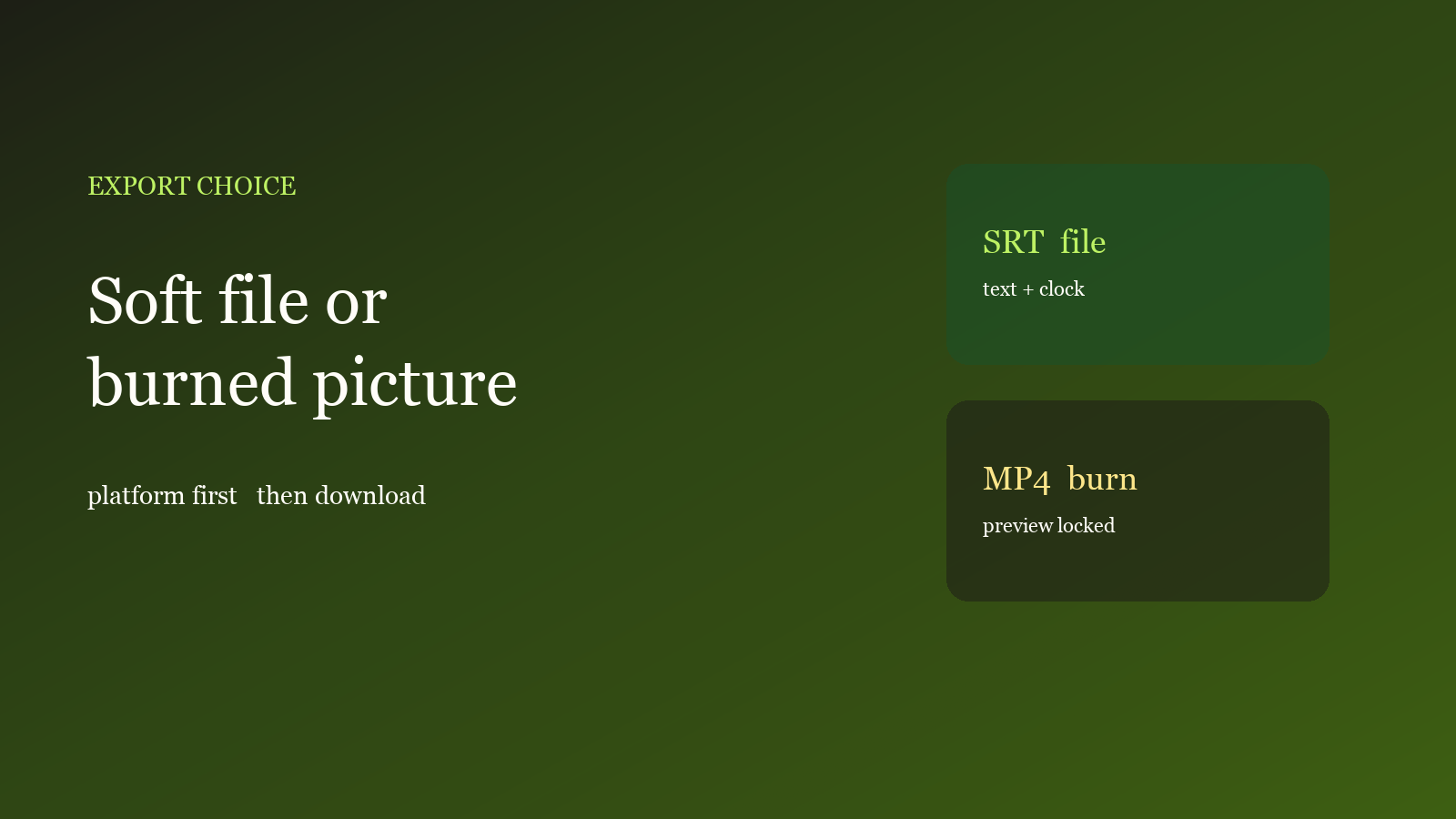
SRT takes text and timestamps; burn-in writes the preview into the picture. Short video burns in; long-form that accepts soft captions takes SRT. Mix audio before you burn.
 How-to
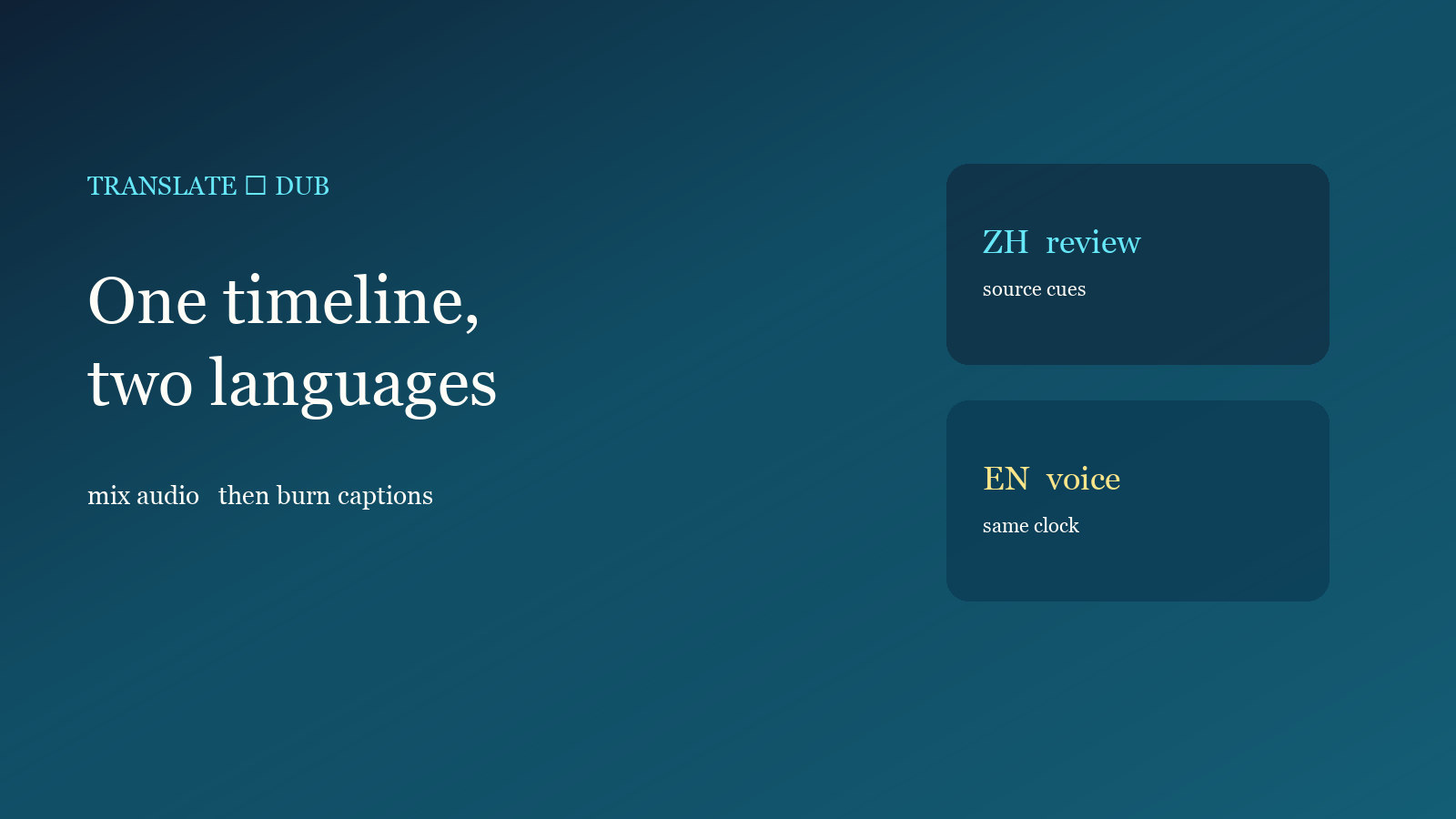
Review source cues, translate on the same clock, then dub the translation. Timestamps stay. Voices are Chinese and English; other languages can be captions. Mix audio before you burn in.
 Tips
Change style after recognition — do not rerun the model. Tighten the line, lift the margin, use the bar to hide burned-in type. Check the face, one line and platform buttons before you post.
 How-to
Score sharp keyframes, weight faces if needed, lay a title, export 16:9, 1:1 or 9:16. No second design app. For explainers from one finished file.
 How-to
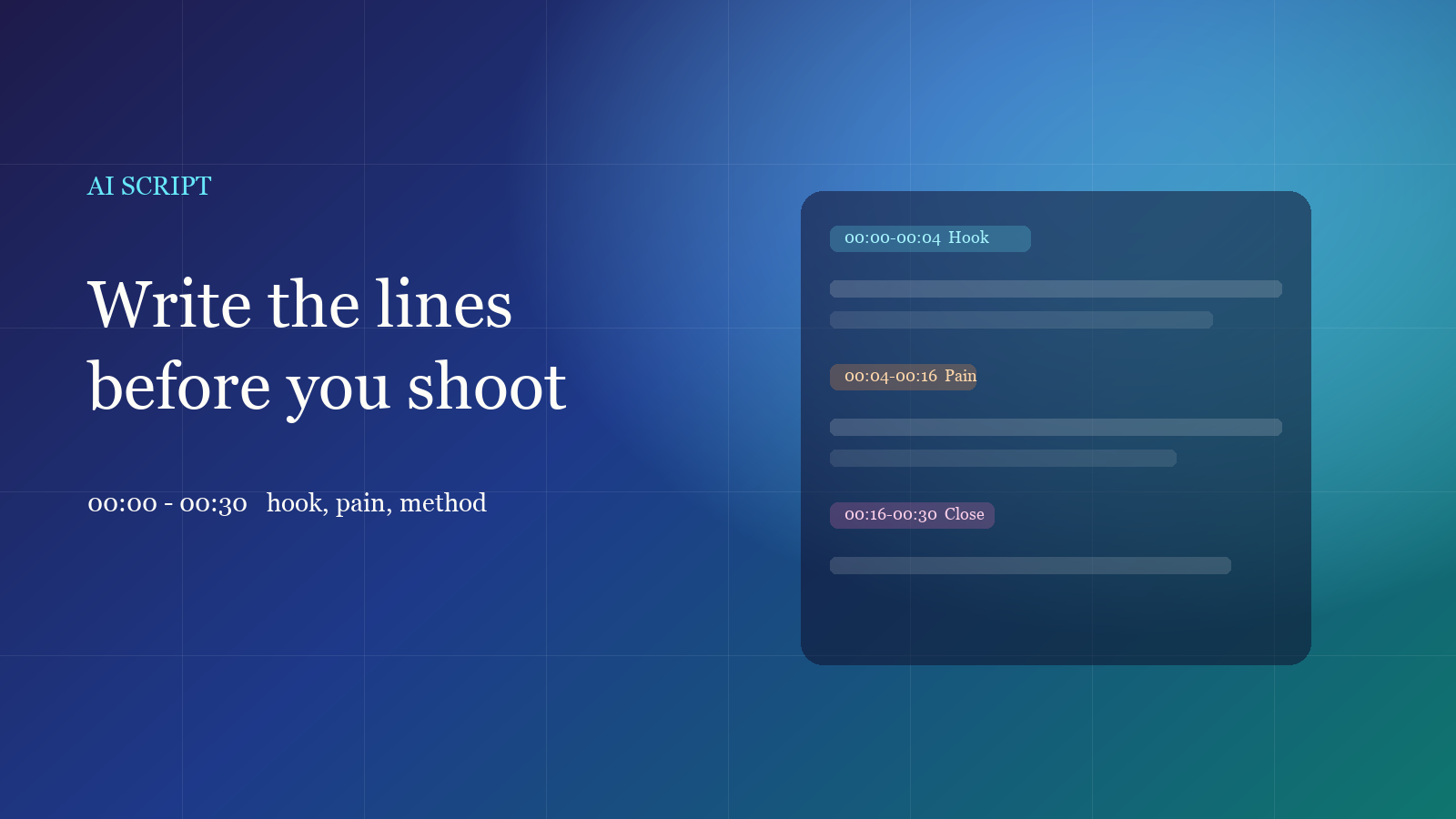
Lock topic, style and duration, generate timed talking-head lines, then shoot or hand them to dubbing. For explainers and tutorials — no blank page, no upload.
 How-to
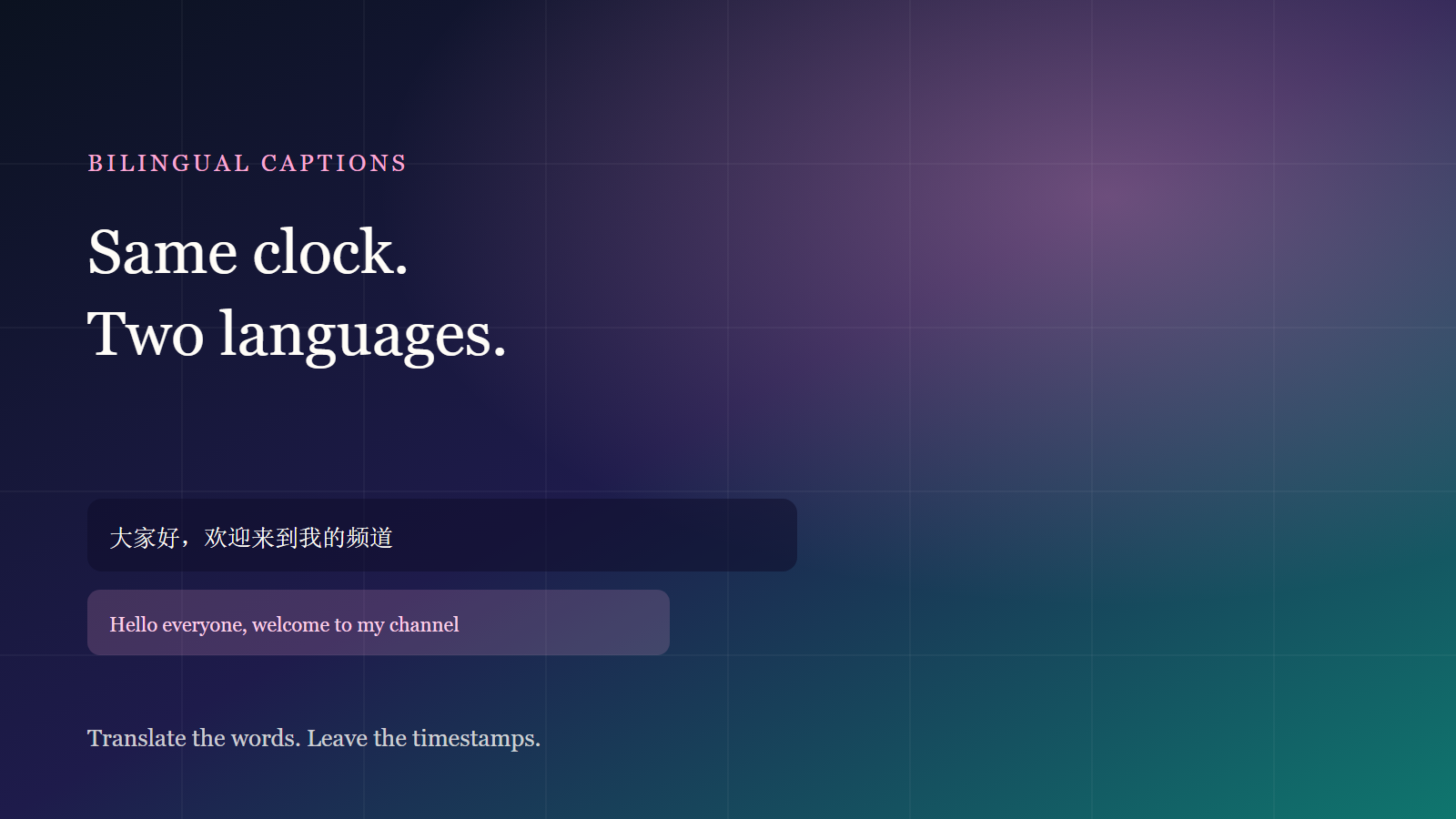
Review source cues first, then translate. The clock stays put. Stack bilingual lines or keep only the translation. For overseas clips, no second project.
 How-to
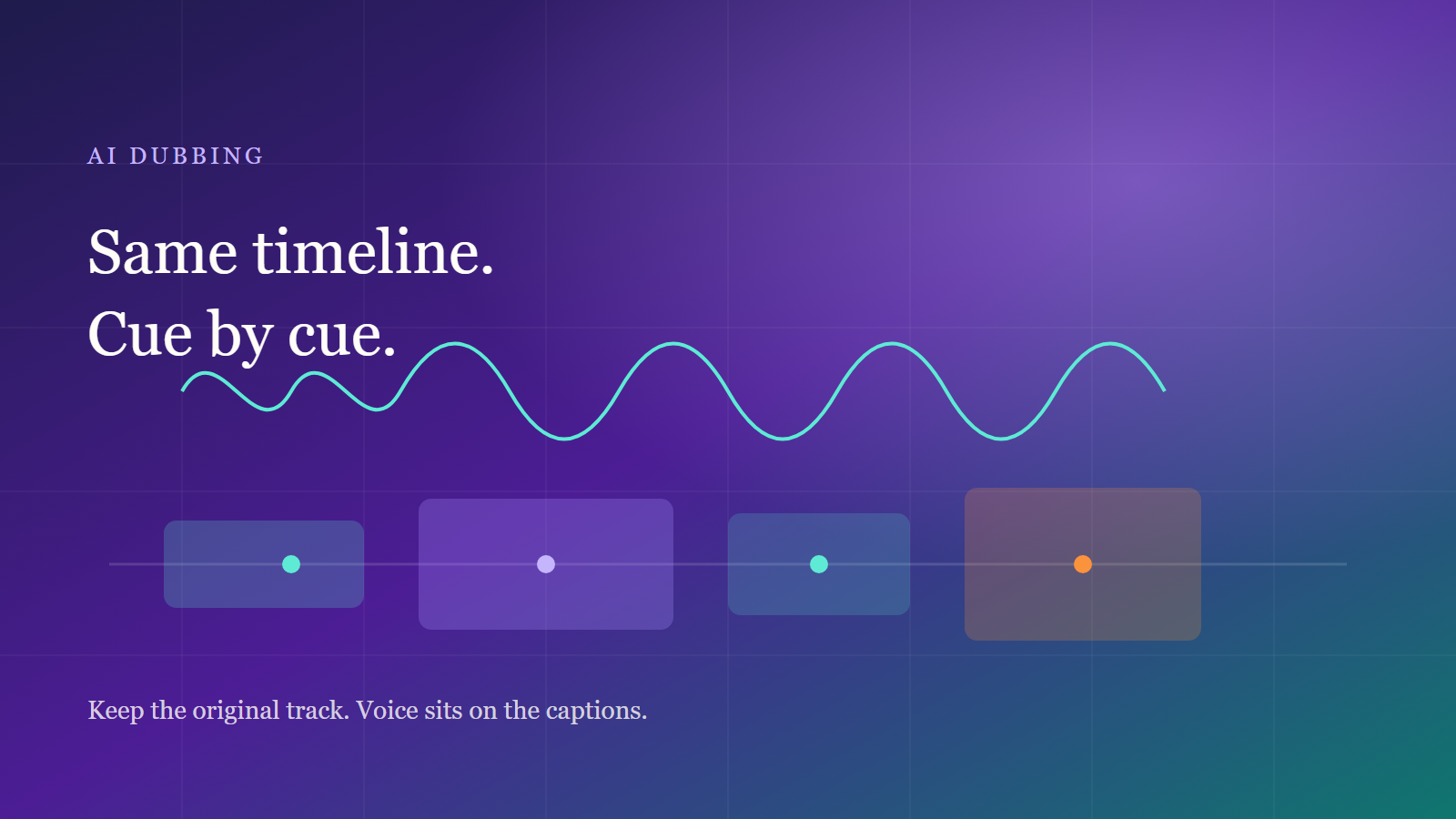
Review cues first, then synthesize each line on the same clock. Dubbing writes an extra track; original audio can stay. No second project to realign.
 How-to
Pick a file, recognize speech or burned-in text, review lines, then burn in or export SRT. A ten-minute path to one publishable video for a first run.
 Industry
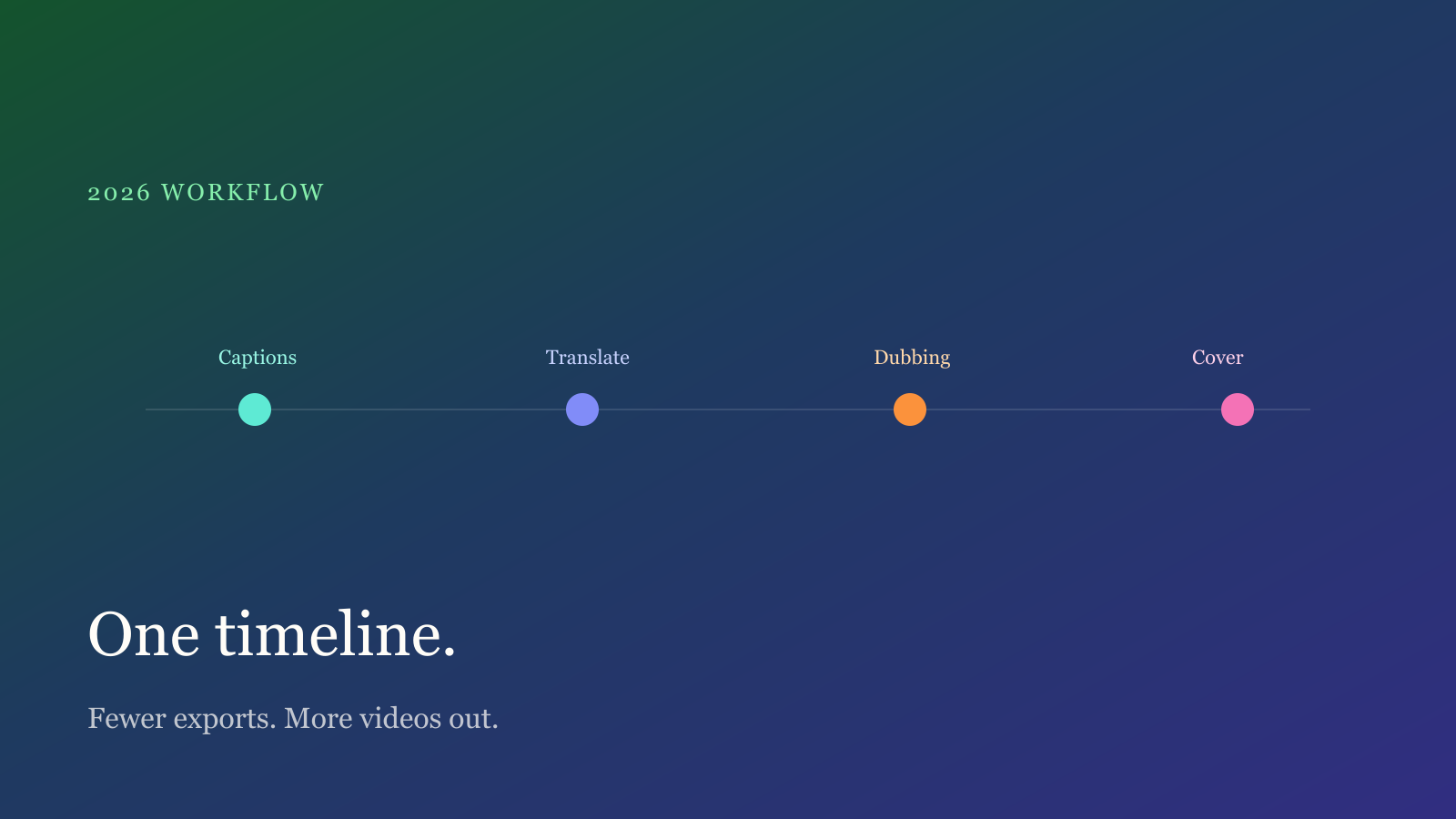
Keep captions, voice and covers on one timeline instead of bouncing between editors. For weekly channels: lock the workflow first, then add tools.
 Tips
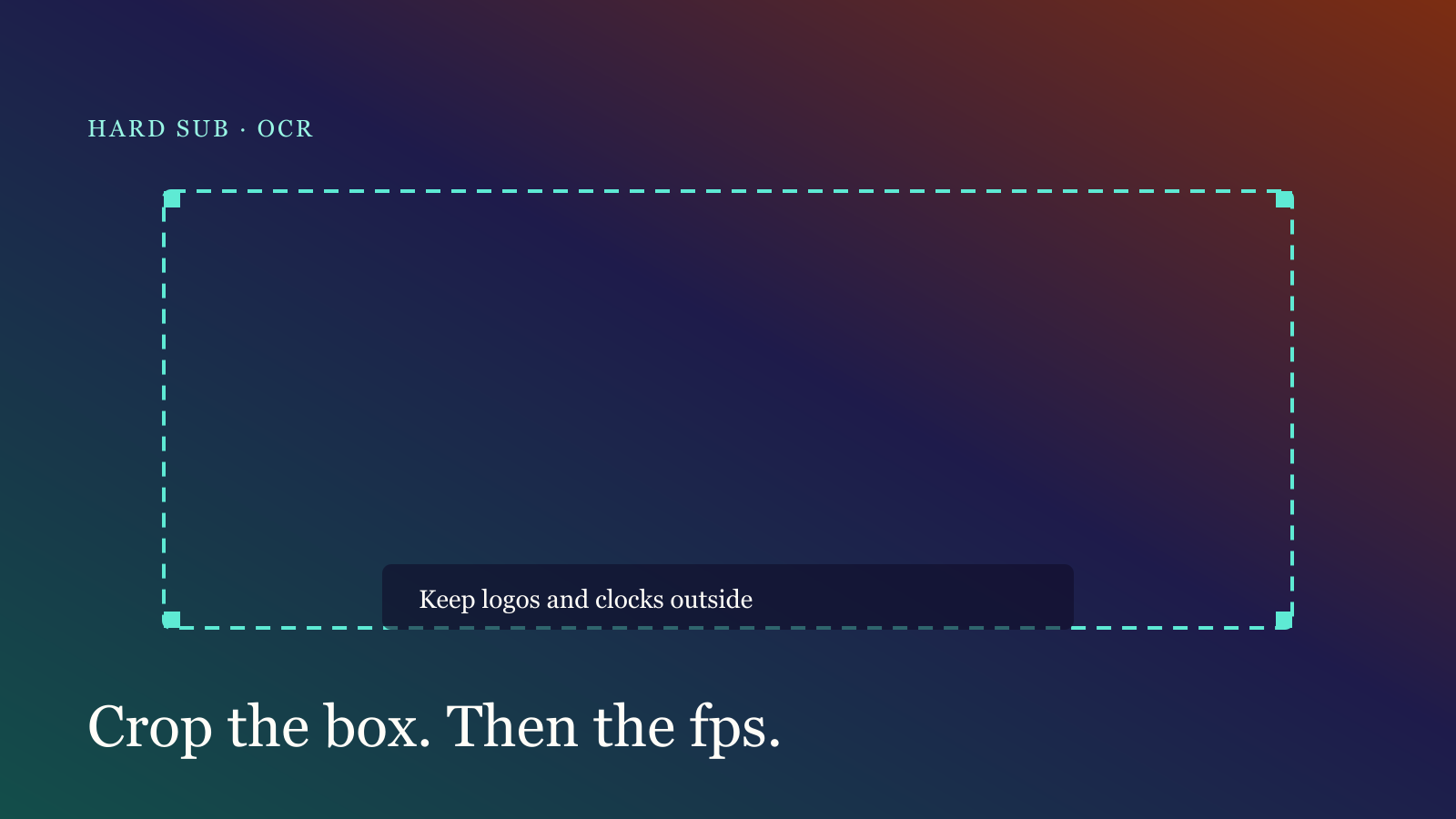
Logos, stylized type and low contrast cause most misses. Change the box, frame interval and contrast first, then decide if speech recognition is better.
Start creating
Reading is not enough — try it. Free is ready now: no sign-up, no card.