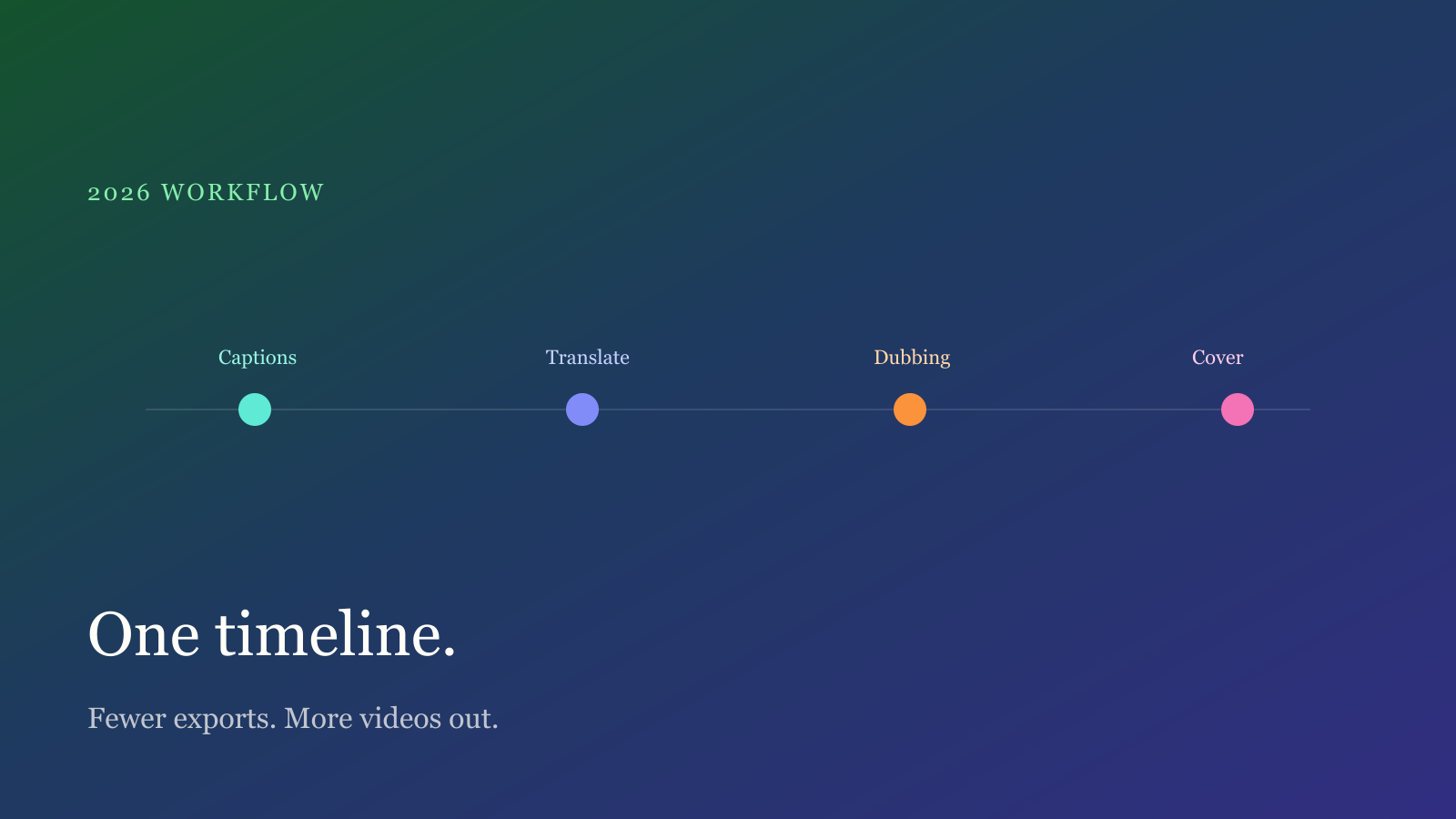
Creators now have more post tools than ever. The real delay is not “one more AI” — it is exporting the same video through three apps. A calmer 2026 setup is one timeline for recognition, translation, dubbing and covers, then a single MP4 handed to the publisher.
One timeline is enough
If captions, translation and dubbing live in separate projects, drift is guaranteed. The order that holds:
- Build a timestamped cue list (speech or burned-in OCR).
- Translate text only — do not rebuild the clock.
- Synthesize dubbing on those same cues as an extra track, and keep the original audio.
Change one line and the voice still sits on the same beat. That is how the studio is wired; see Features.
Open fewer apps
You do not need a second design tool to grab a random frame. The studio scores sharp stills, lays a title, and exports 16:9 / 1:1 / 9:16. If the video is not shot yet, start from a script beat, then decide whether to dub.
Before publish, keep two steps:
- Finish captions / translation / dubbing / cover in the studio
- Hand the MP4 to CapCut or the platform uploader for end cards
One less export is one less generation loss and one less sync bug.
Spend quota on purpose
The free plan is one run per feature each month. Use a 3–5 minute, clean-voice clip for captions first, then add translation or dubbing. Unlimited runs and higher resolution are on Pricing.
Try one file in the studio. The ten-minute caption path is in this guide.
Done reading? Make one. Free quota is ready.