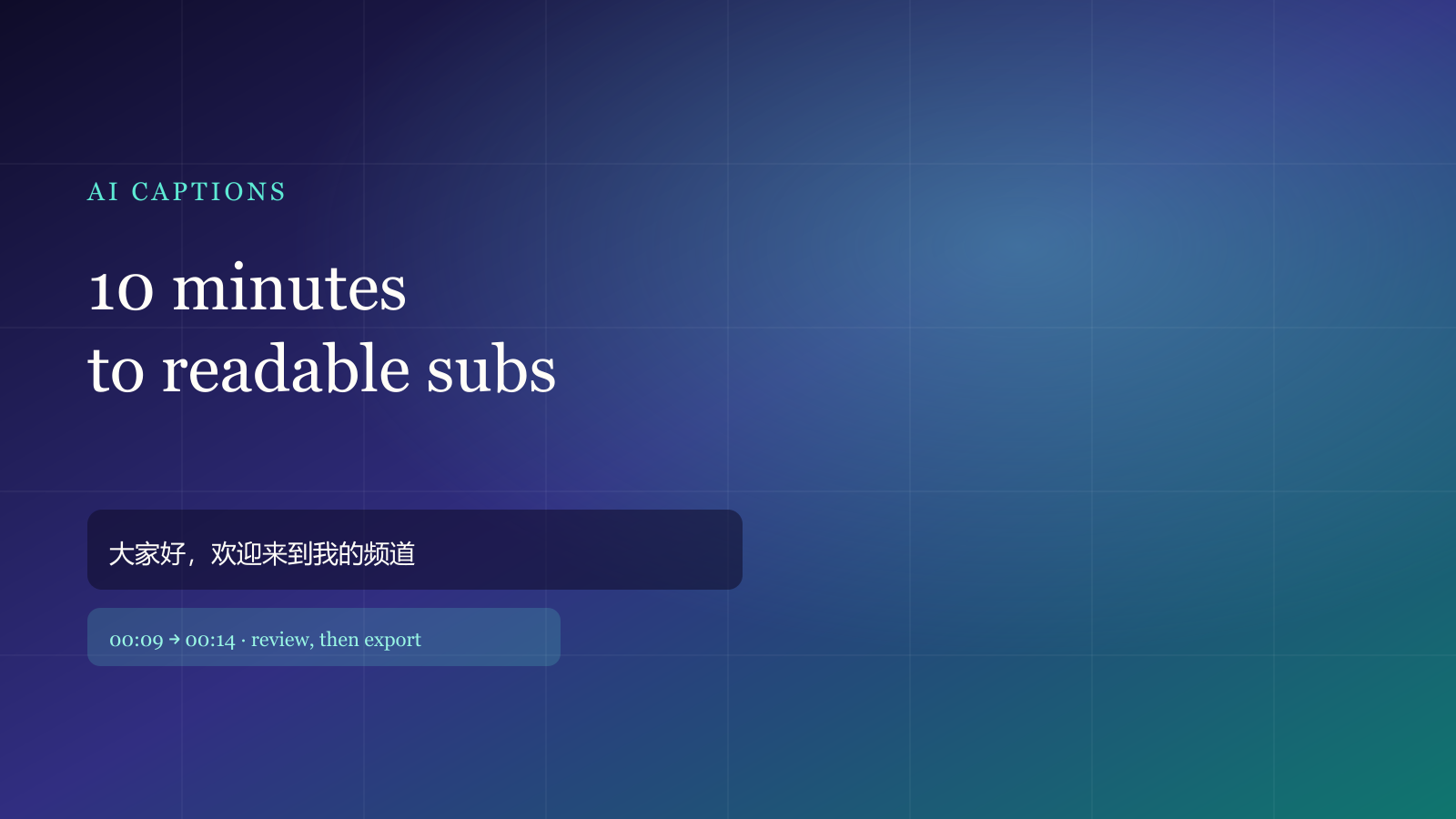
The slow part of a finished video is rarely the cut. It is turning speech into captions you can actually read. Five minutes of voiceover can eat an afternoon if you type and nudge the timeline by hand. This is the path we use in the studio: pick a file, review, export — about ten minutes to something you can publish.
Pick the right file first
Clear voiceover in a quiet room is ideal for speech recognition. If there is almost no voice and the words are burned into the picture, use on-screen OCR instead of forcing a transcript.
After upload, the studio checks duration, resolution and whether a voice track exists. Tick features only after that — it saves quota.
A ten-minute path
- Open the studio and drop in a local MP4 or MOV. The file stays in the browser.
- When detection finishes, tick Generate captions. For noisy rooms or mixed accents, Auto language is usually stabler than locking Chinese or English.
- In review, fix names and numbers, split lines that wrap too long, and snap in/out points to breaths.
- Export a hard-sub MP4, or save SRT / VTT for CapCut or Premiere.
The free plan includes one caption run per month — enough to learn the loop. Styles and limits are on Features and Pricing.
Review only three things
- Typos: names, brands and digits drift first.
- Line length: keep vertical video under ~14 Chinese characters or a short English clause; do not cover faces.
- Timing: show the line ~0.1s before speech, hide it as soon as the voice ends.
What usually breaks
Heavy noise, overlapping speakers, or treating a vertical file as landscape all drop accuracy. Trim empty heads and tails before you run the model. Always skim the cues — the model is for speed, you own the last pass.
If you still need dubbing, stay on the same timeline — see AI dubbing. Translation is in bilingual captions; covers are in creator post in 2026.
Done reading? Make one. Free quota is ready.