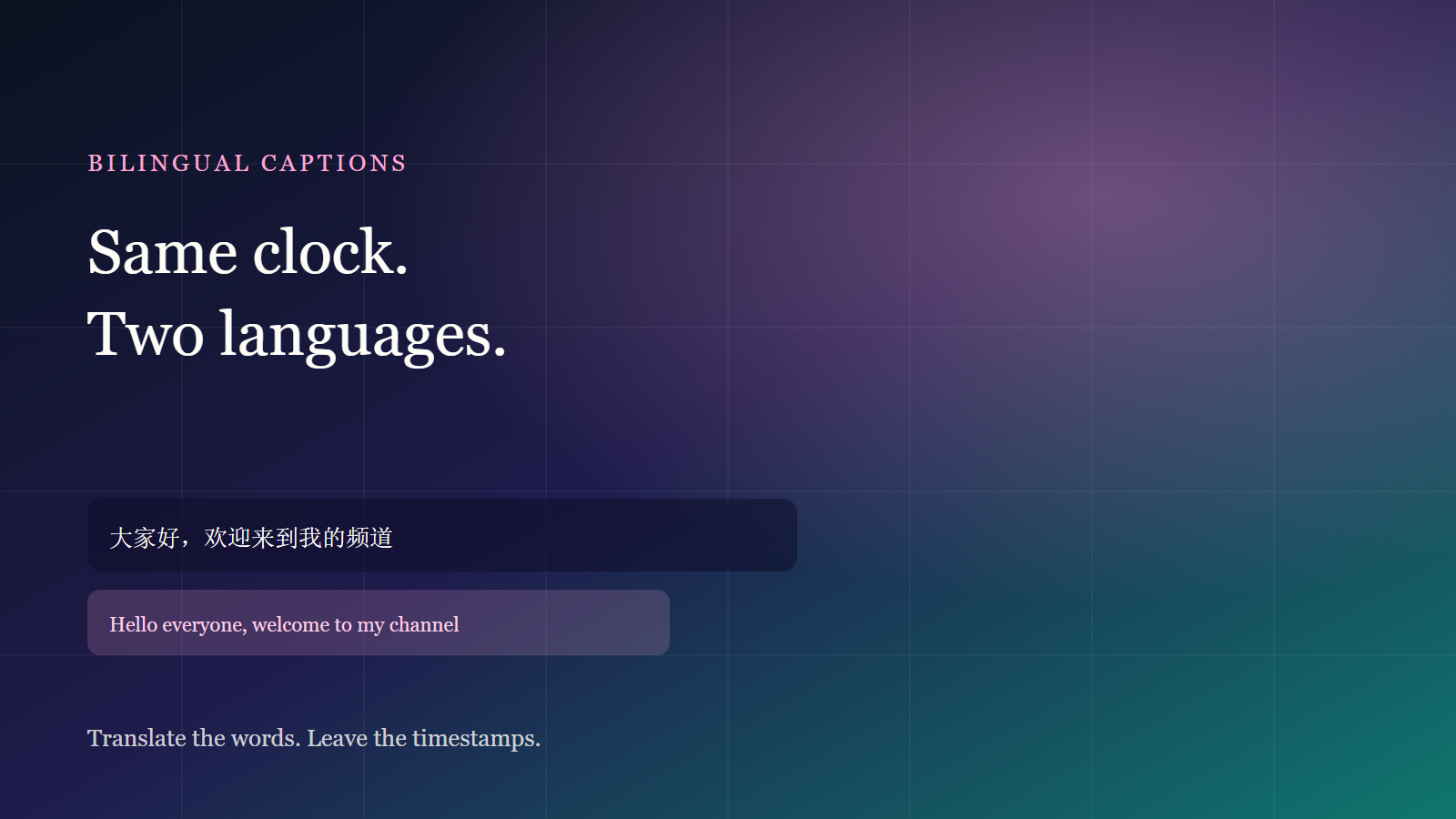
The usual jam when taking a video overseas is not “finding a translator.” It is exporting captions into a second project: the clock is gone, bilingual lines slip, and one edit means realigning the whole file. The stabler path in the studio: review the source captions, then translate on the same timeline. Timestamps stay put. Stack the translation or keep it alone.
Clean source cues first
A script with no timestamps can only be translated as one block — length is a guess. The right order:
- Get source-language captions with in/out points (speech, burned-in text, or an imported SRT).
- Fix typos, names and breaths, then open translation.
- Translation changes the words only. Do not start a second project.
The ten-minute caption path is in this guide. Translating a messy timeline only copies the mess into another language.
Translation on the same clock
- Open the studio with an existing project or drop in a local MP4 or MOV. The file stays in the browser.
- Confirm the source cues are reviewed. If there is no timeline yet, recognize speech or import SRT first.
- Tick Translate captions and pick one target language. One language per run — Japanese and English means two passes.
- To show source and translation together, turn on Bilingual captions. On vertical video, keep the translation larger; landscape can stack two lines.
- Export a hard-sub MP4, or save SRT / VTT for this language.
The free plan includes one translation run per month. Languages and limits are on Features and Pricing.
Review only three things
- Names: people, brands and model numbers get paraphrased first. Skim against the source before you publish.
- Line length: translations often run longer than Chinese. Split a vertical line past a short clause; do not cover faces.
- Breaths: translation does not move timestamps. If one cue overflows, edit that line or its in/out — do not rerun the whole file.
What usually breaks
Pasting the whole script into a generic translator and sliding it back by hand: lengths never match, bilingual lines drift. Clean the clock first, then translate. Clips with many proper nouns or mixed accents still need a human pass — the model is for speed, you own the last mile.
If you still need a foreign-language voice, translate first, then synthesize on the same timeline — see AI dubbing. The full post order is in creator post in 2026.
Done reading? Make one. Free quota is ready.