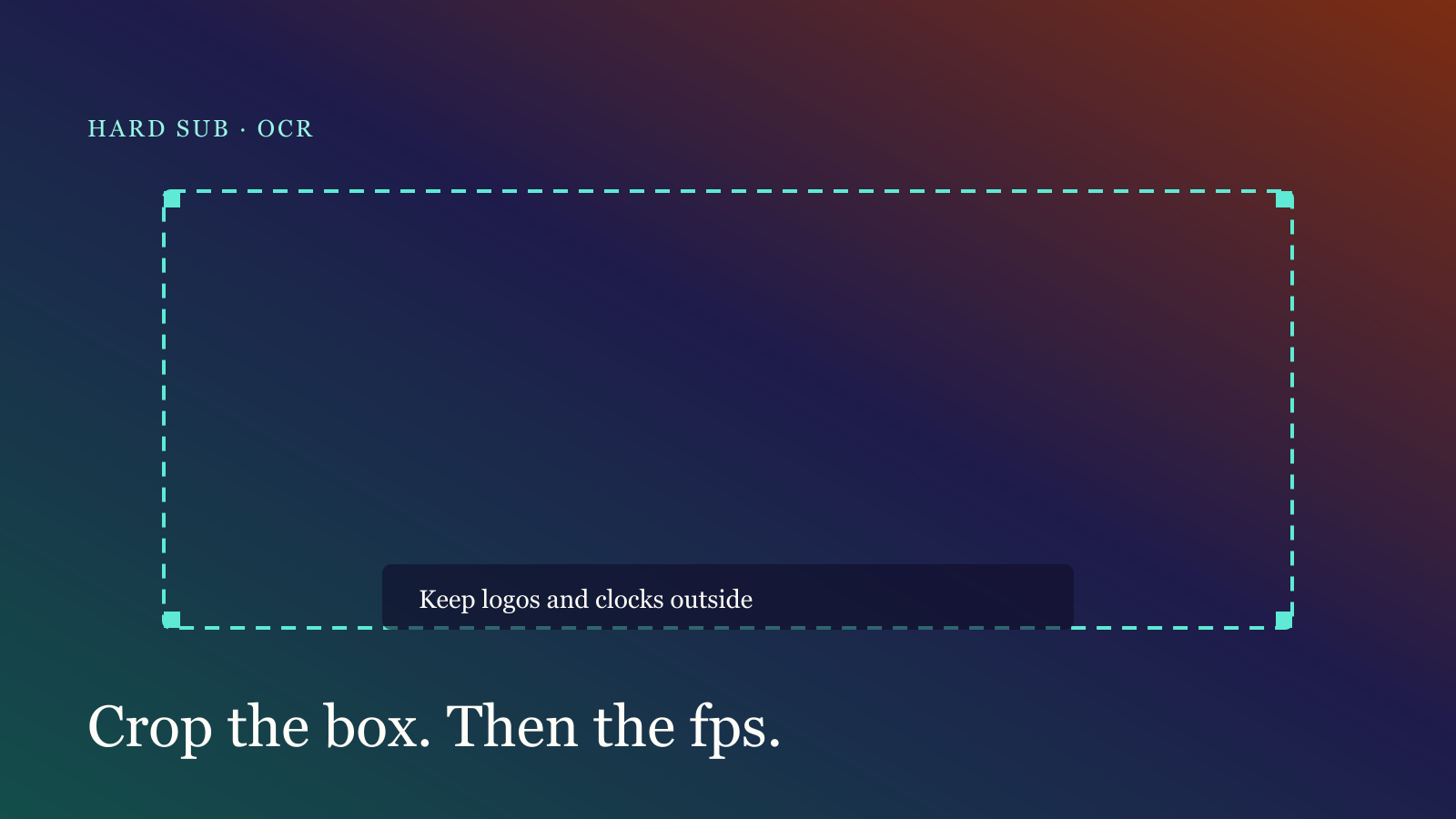
When burned-in OCR fails, the model is often fine. The crop is not. Logos, clocks, stickers and progress bars get read as words. Change the box and the frame rate before you blame the engine.
Change the box first
The default looks at the lower 40% of the frame. That covers most landscape voiceovers, and fails when:
- Vertical captions sit in the middle or at the top
- A corner logo or date falls inside the box
- Like animations sweep across the caption band
Keep only the caption inside the box. Leave logos, clocks and stickers out. A little padding is fine; half the frame is not.
Then change the frame rate
0.5–2 fps is usually enough. Too dense splits one sentence into several duplicate cues. Too sparse drops a flash of text.
Try this:
- Run 1 fps and see what is missing.
- If lines are dropped, go to 2 fps — do not jump to 8.
- If one sentence is shredded, drop back to 0.5 fps and merge in review.
Low contrast (yellow type on a pale wall, thin stroke) is better fixed by brightening the source than by sampling more frames.
You still need review
OCR will turn 了 into 子 and split English names. After the pass:
- Merge cues that belong to one sentence
- Delete logo and watermark junk
- Nudge in/out to the breath
Start in the studio and tick burned-in recognition. If the file has a clean voice track, speech recognition is faster and stabler — see captions in ten minutes.
Done reading? Make one. Free quota is ready.