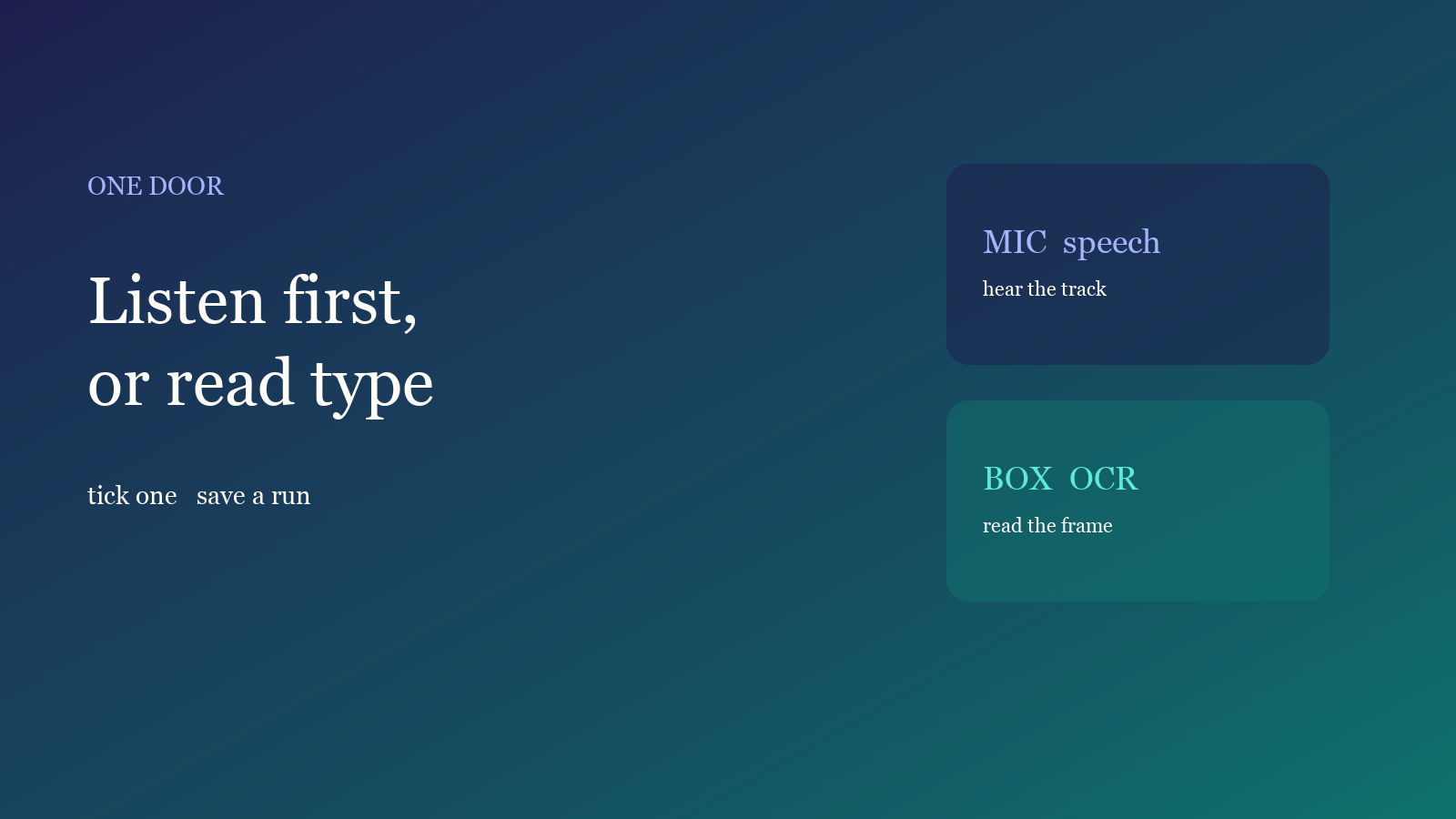
Caption jobs usually fail at the door, not the model: you OCR a talking-head, or you force speech recognition on a silent hard-sub file. The studio can write the same cue list either way. Look at the track and the picture, then tick one. Do not run both.
Track first, type second
After upload the studio checks duration, resolution and whether a voice exists. Tick a feature only after that — it saves quota.
- Clear voiceover on the track: use speech recognition. Auto language is usually stabler than locking Chinese or English.
- Almost no voice, words already burned in: use on-screen OCR. Fix the box before fps — see hard-sub OCR.
- Both exist: pick the cleaner path. Clear speech → listen. If you need the burned translation or stylized type, switch to OCR. Do not expect one run to merge both.
The full ten-minute path is in this guide. Style and export come after the cues exist.
Tick only one
- Open captions in the studio and drop in a local MP4 / MOV. The file stays in the browser.
- Wait for detection. Voice and a quiet room → speech recognition. Almost no voice → on-screen OCR.
- For OCR, keep only captions in the box; logos and clocks stay out. For speech, cut empty heads and tails first so you do not burn quota on silence.
- Review cues: names, typos, line length. Then style or export — vertical layout and SRT or burn-in.
The free plan includes one caption run per month. Speech, OCR and limits are on Features and Pricing.
Check only three things
- Voice: if you can hear it, transcribe. Heavy noise or overlapping talk: cut first, do not jump to OCR.
- On-screen type: OCR only when burned-in words are the source and dialogue is unusable. A box that eats half the frame will read the logo.
- Quota: each path counts as a run. Pick the door once; two runs cost more.
What usually breaks
Listening to a 9:16 file as if it were 16:9 drops accuracy — confirm it is voiceover, not type-only. Sending an already burned file back to OCR stacks a second cue list; transcribe instead, or cover the old type first. Export a cover separately; the recognition box is not a cover — covers from the clip.
Done reading? Make one. Free quota is ready.