Vertical captions can look done in the studio and still fail on the publish page: a line too wide, type over the eyes, or a second layer stacked on burned-in text. Change style in the studio. Do not rerun recognition. These are the settings you can fix immediately.
You are changing style, not the clock
Character limit, position and the bar change how cues burn in. Timestamps stay. If the clock is messy, review first — see ten-minute captions. If you only need to hide burned-in type, use the bar. If there is almost no voice and the words live on screen, switch to on-screen OCR.
The default is about 18 characters per line, bottom center. Vertical files usually need a tighter line. Do not copy a landscape preset.
A vertical layout
- Open captions in the studio with the current project or a vertical MP4 / MOV.
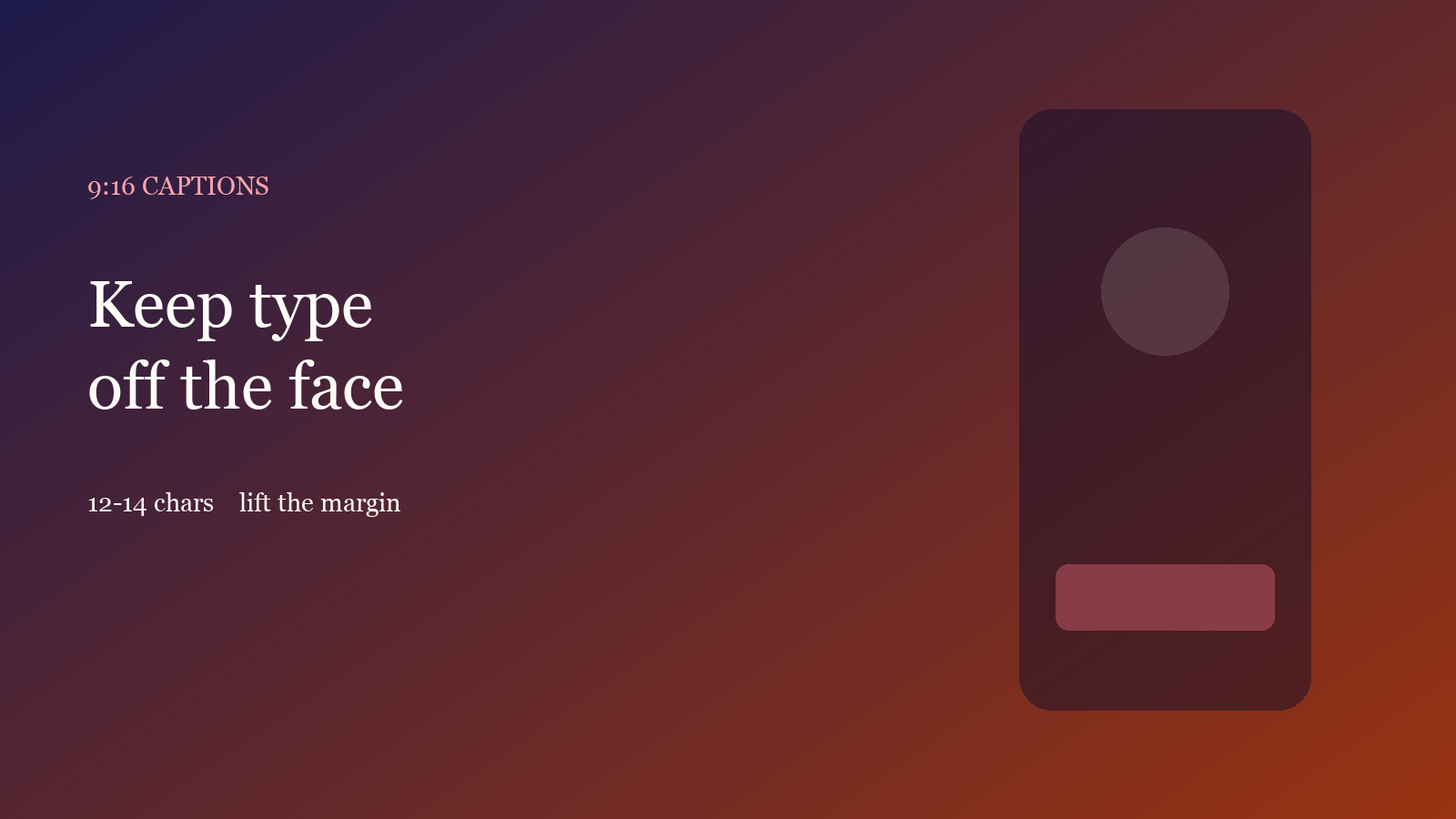
- After recognition or an SRT import, open style. Drop characters per line to about 12–14 Chinese characters, or a short English clause. Do not let a line run edge to edge.
- Keep the block low, but raise the vertical margin so it clears the chin and the platform buttons. If the face sits in the lower third, move the block to the middle or top. Do not lock the bottom because “TV captions live there”.
- When type melts into the picture, turn on the translucent bar. To kill burned-in captions, make the bar opaque or taller. Trust the preview.
The free plan includes one caption run per month. Styles and limits are on Features and Pricing.
Check only three things
- The face: no cue should cut the eyes or the bridge of the nose. Move or split the line. Do not only shrink the size.
- One line: split past ~14 Chinese characters or a short English clause. Two lines are fine; three climb into the face on 9:16.
- Platform chrome: Douyin / Reels / Shorts put buttons on the bottom. Flush-bottom captions disappear after upload.
What usually breaks
Pasting a 16:9 style onto 9:16: the line becomes a white stripe. Fix characters per line before you pick a color. Bilingual vertical should lead with the translation — see bilingual captions. Export a 9:16 cover separately; a caption bar is not a cover — see covers from the clip.
Done reading? Make one. Free quota is ready.