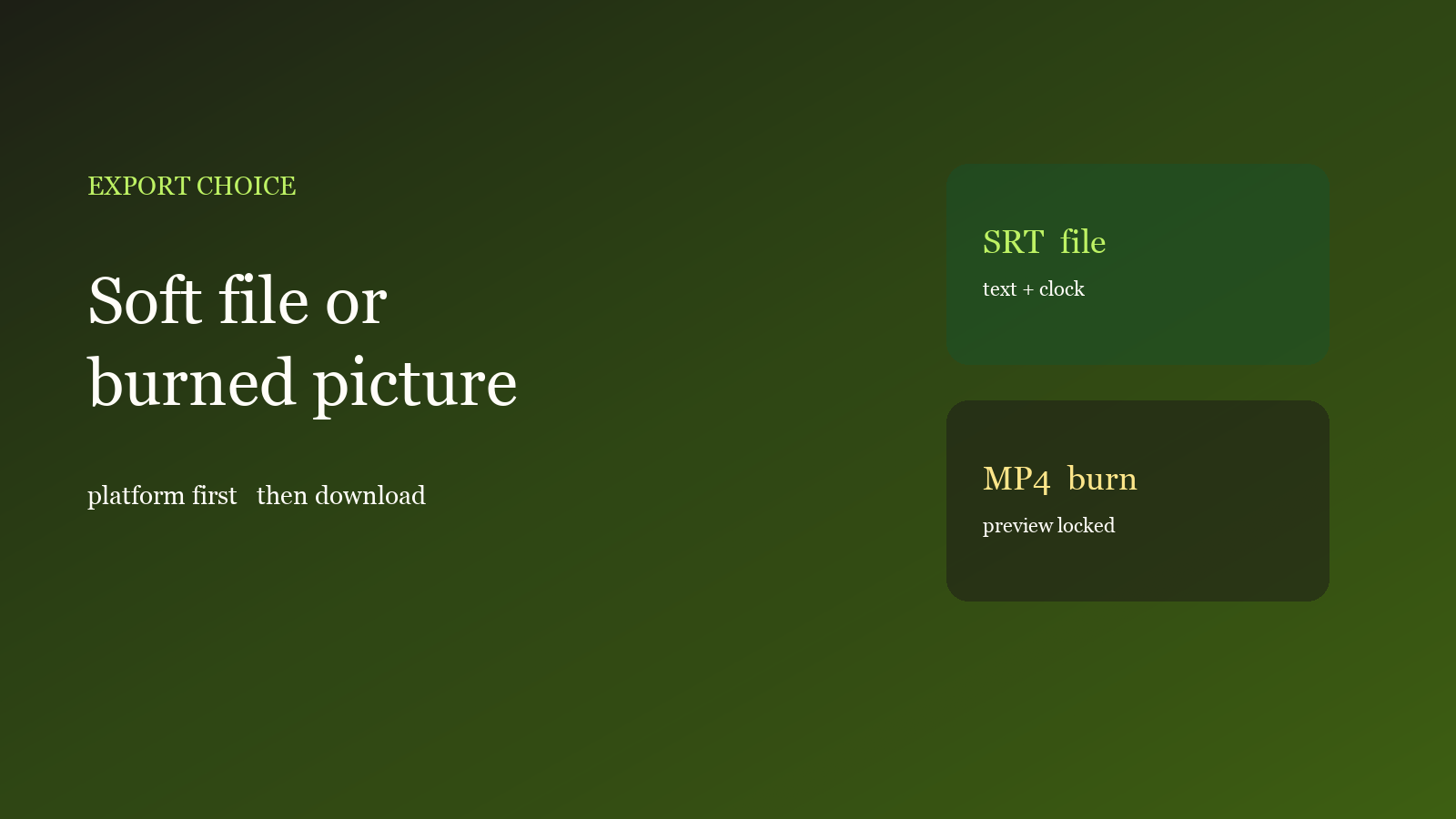
Recognition is done and export still stalls: some people always burn in, some always dump an SRT. The wrong pick re-encodes the whole file, or the words vanish on a short-video app. The studio can do both. Choose by where you publish, then download.
You are picking a file, not a clock
SRT / VTT take text and timestamps. Style stays in the studio. A burned-in MP4 writes the current preview into the picture: video is re-encoded, audio is copied. If the clock is messy, review first — ten-minute captions. Vertical position: vertical layout. If you still need a voice, mix first, then burn — translate then dub.
Overlay in preview is not burned in. Exporting blind ships the same mistakes in both formats.
Pick one target
- Open captions in the studio with the current project or a local MP4 / MOV. The file stays in the browser.
- Cues are reviewed. Style has been checked in preview.
- If the file still goes to CapCut, Premiere, or a channel that accepts soft captions (often YouTube, some Bilibili uploads), export SRT or VTT. The clock stays; you can edit later.
- For Douyin, Reels, Shorts, or a receiver that will not read a caption file, export a burned-in MP4. Platform chrome covers the bottom — lift the margin before you burn.
- Need both: save an SRT as backup, then burn one cut for short video. Do not burn first and realign later.
The free plan includes one caption run per month. Export options and limits are on Features and Pricing.
Check only three things
- Platform: short video defaults to burn-in; long-form that accepts soft captions defaults to SRT. Do not guess the other way.
- Preview: confirm line length, position and the bar before you burn. SRT does not carry those styles.
- Audio: if you need dubbing, mix first. Burn-in copies the current track; it does not synthesize a voice.
What usually breaks
Sending a burned-in file back for a second recognition: the picture already has type, OCR stacks a second layer. Edit the cues, then export again. Sending only an SRT to someone who asked for an MP4: they open black video or no captions. Export a cover separately; a caption bar is not a cover — covers from the clip.
Done reading? Make one. Free quota is ready.