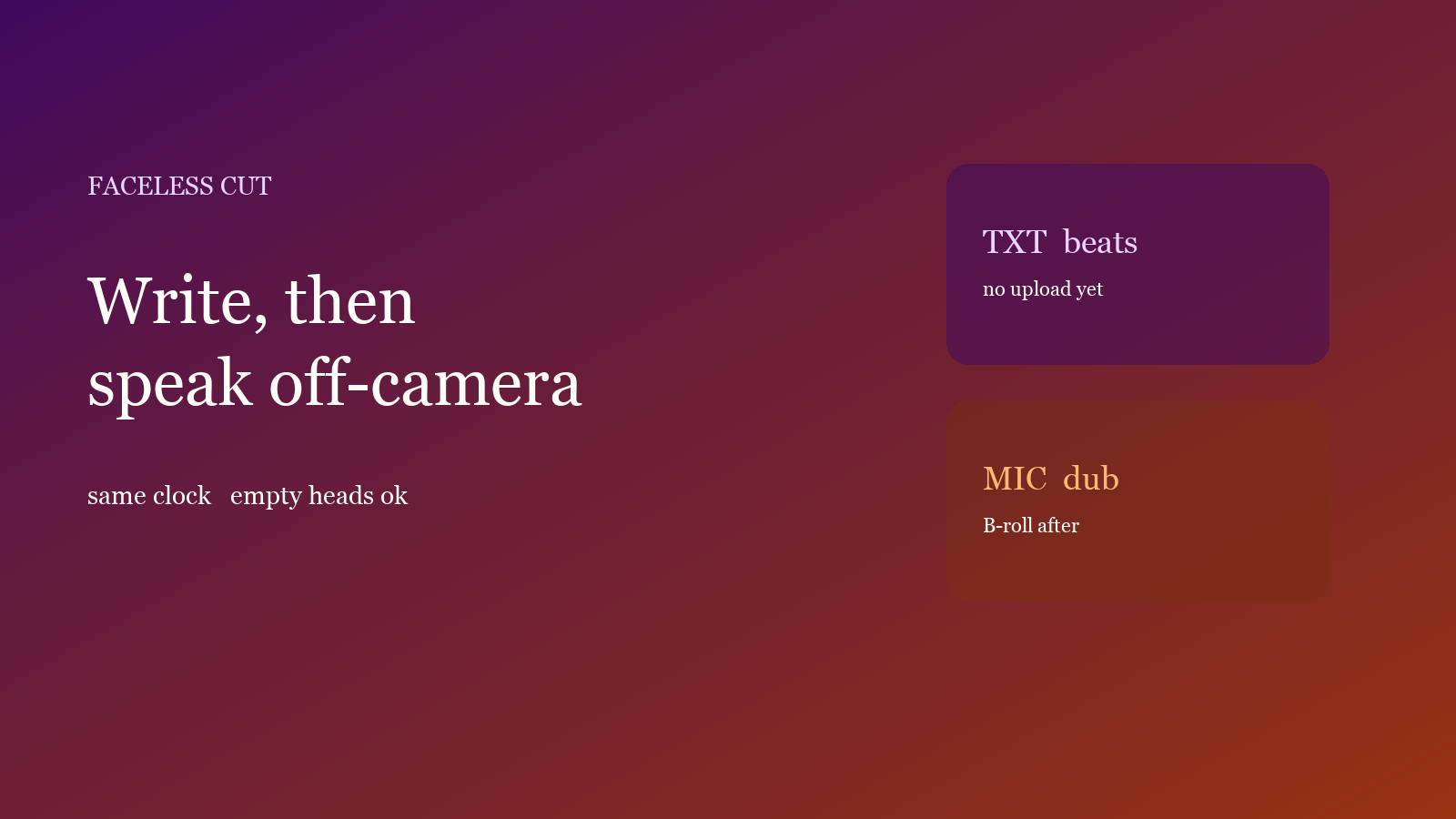
You want a publishable explainer and you do not want to appear. Write a timed talking-head script first, then synthesize on the same clock. The script tool does not need a video. Dubbing needs a picture about as long as the script — empty heads, a screen recording, or stock. Do not shoot yourself and paste copy afterwards.
Beats first, picture second
A whole essay with no in/out points is read end to end, and length is a guess. Do not reverse the order:
- In the script tool, lock topic, style and duration (often 15 / 30 / 45 / 60 / 90 seconds).
- After generation, fix the hook, split long beats, read them aloud.
- Click Continue with dubbing so the current beats feed dubbing. Do not open a second project and type them in.
- Drop in a local MP4 / MOV that is not shorter than the script.
Script only, then you appear on camera: script before the shoot. The file already has a voice: ten-minute captions — do not write a script and paste it back.
A faceless path
- Open script in the studio. This step does not upload a video.
- Make the topic specific. Style: explainer, compare, or tutorial. Generation: Auto. Edit the words, then Continue with dubbing.
- Drop in a local picture. The file stays in the browser. Chinese uses 晓晴; do not lock an English voice on a Chinese script.
- If the picture has no voice you want to keep, turn original audio off so a stock narrator does not stack. Leave it on only for useful room tone.
- Speed follows each beat by default. If one line sounds thin and rushed, change that beat’s words or in/out.
- Listen through, then export. To burn captions, use the same cues; mix first — SRT or burn-in.
The free plan includes one script run and one dubbing run per month. Styles, voices and limits are on Features and Pricing.
Check only three things
- First three seconds: the opening beat needs a hook. Kill “Hi everyone, today we talk about”.
- Picture long enough: if the file ends before the last beat, the tail is never spoken. Prefer a slightly long empty head over a short one.
- One breath per beat: two sentences in one beat make the voice inhale in the wrong place.
What usually breaks
Downloading TXT and typing it into dubbing drops the clock. Use Continue with dubbing. A talking-head stock file with original audio on stacks two voices. Export a cover in the platform ratio; do not use the first empty frame — covers from the clip.
Done reading? Make one. Free quota is ready.